Interface Critic is about making critique less vague. Instead of saying a screen feels confusing, the system helps locate the issue, explain the impact, and turn feedback into a revision plan.
Prototype planned / project study
Interface Critic
How might design critique become specific enough to act on?
Demonstrates strong UX judgment: visual hierarchy, accessibility, prioritization, and actionable critique.
A product designer or founder uploads a product screenshot before a review. They need fast feedback, but they also need to separate taste from usability, accessibility, hierarchy, and interaction friction.
Design feedback often becomes subjective. This project turns critique into a structured system with evidence, severity, and next actions.
Design decisions
What the interface needs to make clear.
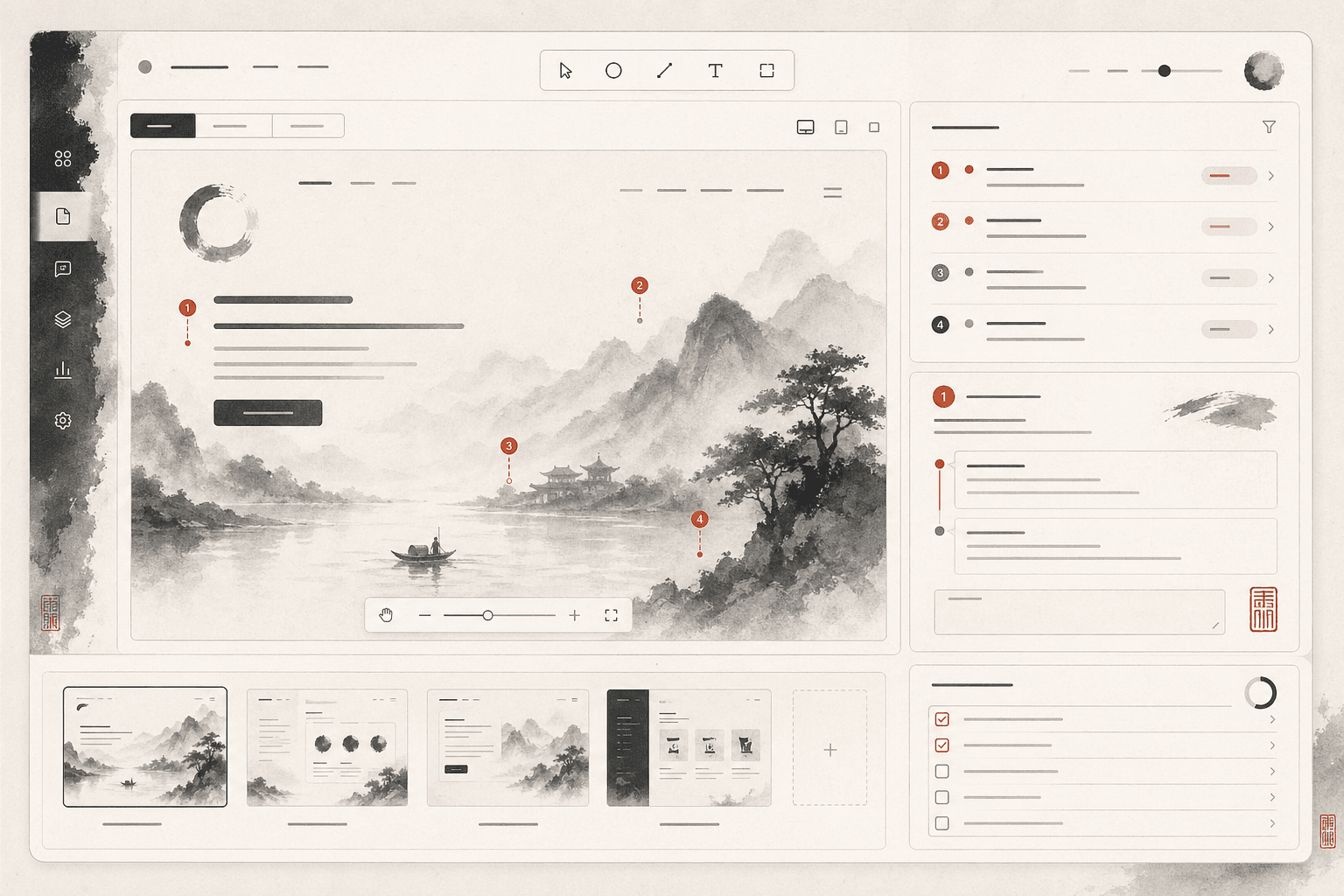
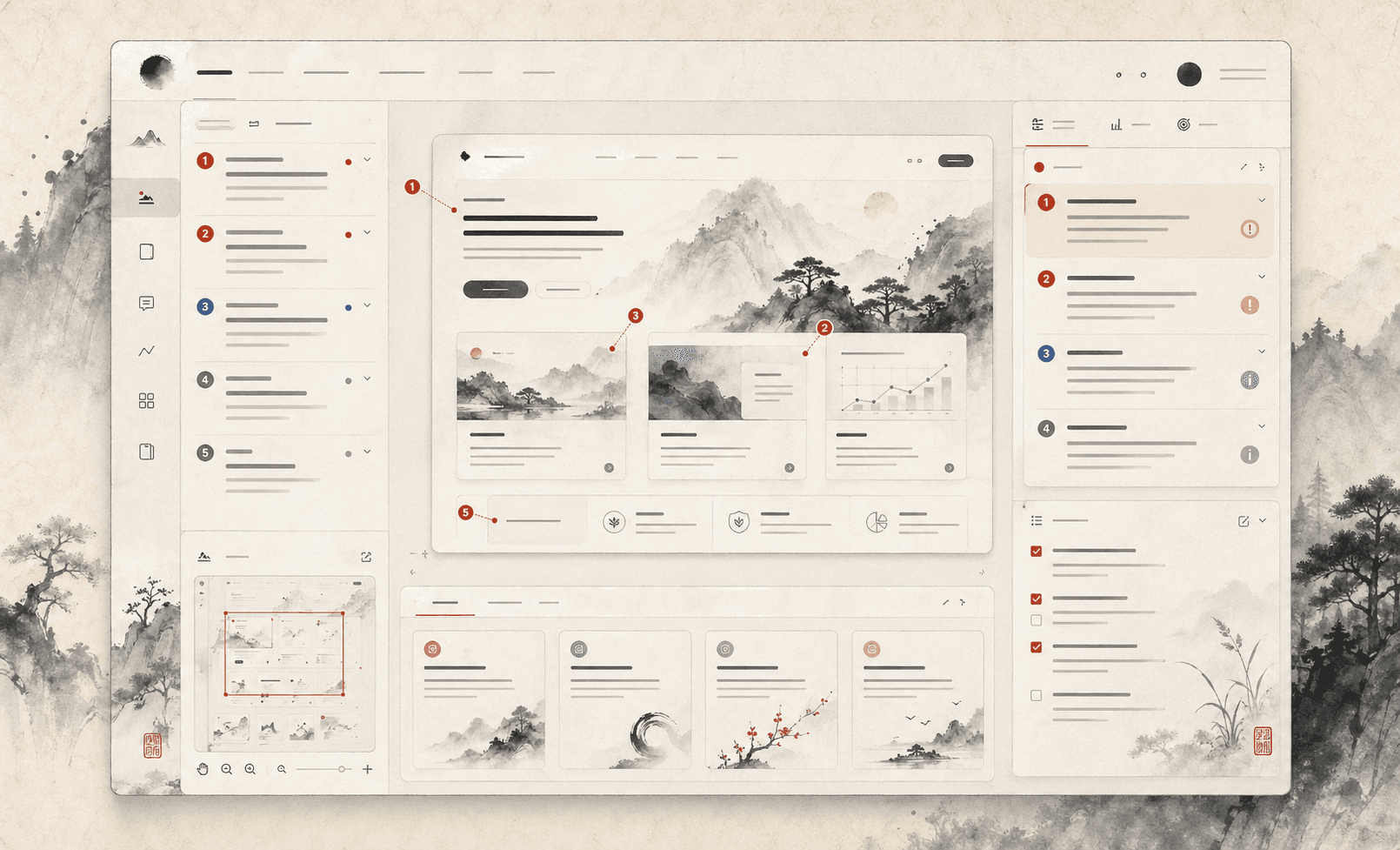
Anchor feedback to the screen
Every observation is connected to a visible region. This prevents critique from becoming abstract and helps teams discuss the same evidence.
Prioritize instead of listing everything
A good critique should help teams decide. Severity, effort, and user impact keep the review focused on what matters first.
Keep the designer in control
AI suggestions are editable. The tool acts as a critique partner, not a final judge.
Prototype flow
How someone would move through it.
Upload a screen
The screenshot becomes the central canvas for visual review.
Inspect annotated issues
Pins identify hierarchy, copy, accessibility, and interaction problems.
Create a revision list
The review turns into a small set of actionable changes with rationale.
Interaction model
How the experience works
- Screenshot canvas anchors every observation visually
- Annotation pins connect issues to exact interface regions
- Severity and effort help teams decide what to fix first
- Revision checklist converts critique into implementation steps
Prototype plan
How it becomes real
- Manual annotation workspace and critique taxonomy
- AI-assisted issue detection with editable recommendations
- Before and after review comparison
- Exportable design QA report for product teams
What to notice
Why this project matters for Wanling's profile.
- Demonstrates strong critique judgment and UX vocabulary.
- Shows how Wanling turns subjective feedback into structured product decisions.
- Connects visual design, accessibility, and implementation priorities.
The next build should support screenshot upload, manual annotations, and a first critique rubric before adding AI-assisted analysis.