Workflow Composer starts from a familiar frustration: a person knows the routine they want to improve, but the tool asks them to become a systems thinker before they can begin.
Build next / project study
Workflow Composer
How might a non-technical person shape automation without losing control?
Shows Wanling's ability to translate a technically complex AI workflow into a calm, inspectable product experience.
Imagine an operations teammate who wants to turn a recurring client intake process into a repeatable flow. They can explain the steps in plain language, but they still need to inspect, edit, and trust the automation before using it.
The core UX challenge is trust. If AI generates a workflow, users need to understand what each step means, what can go wrong, and how to change it before anything runs.
Design decisions
What the interface needs to make clear.
Keep generation inspectable
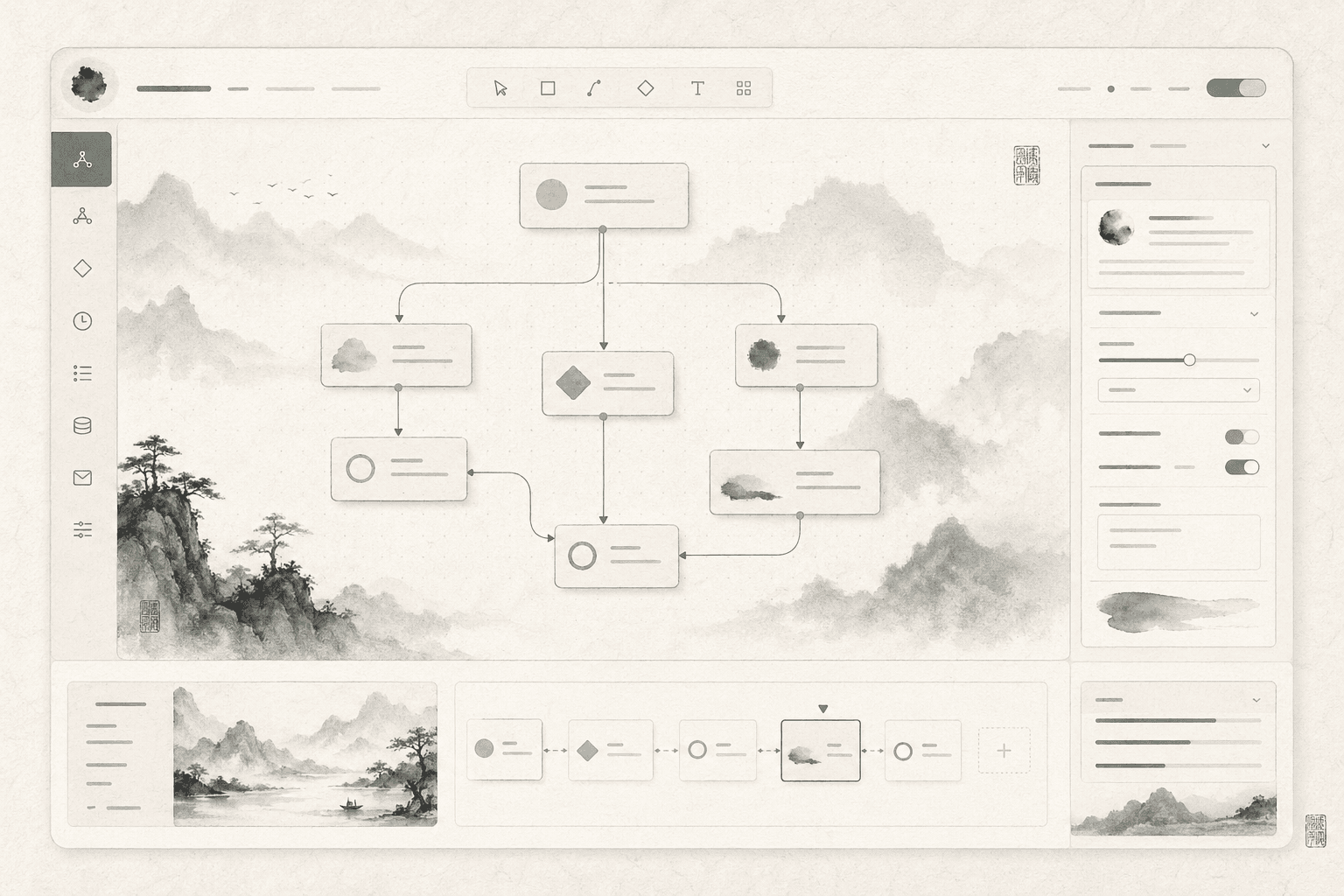
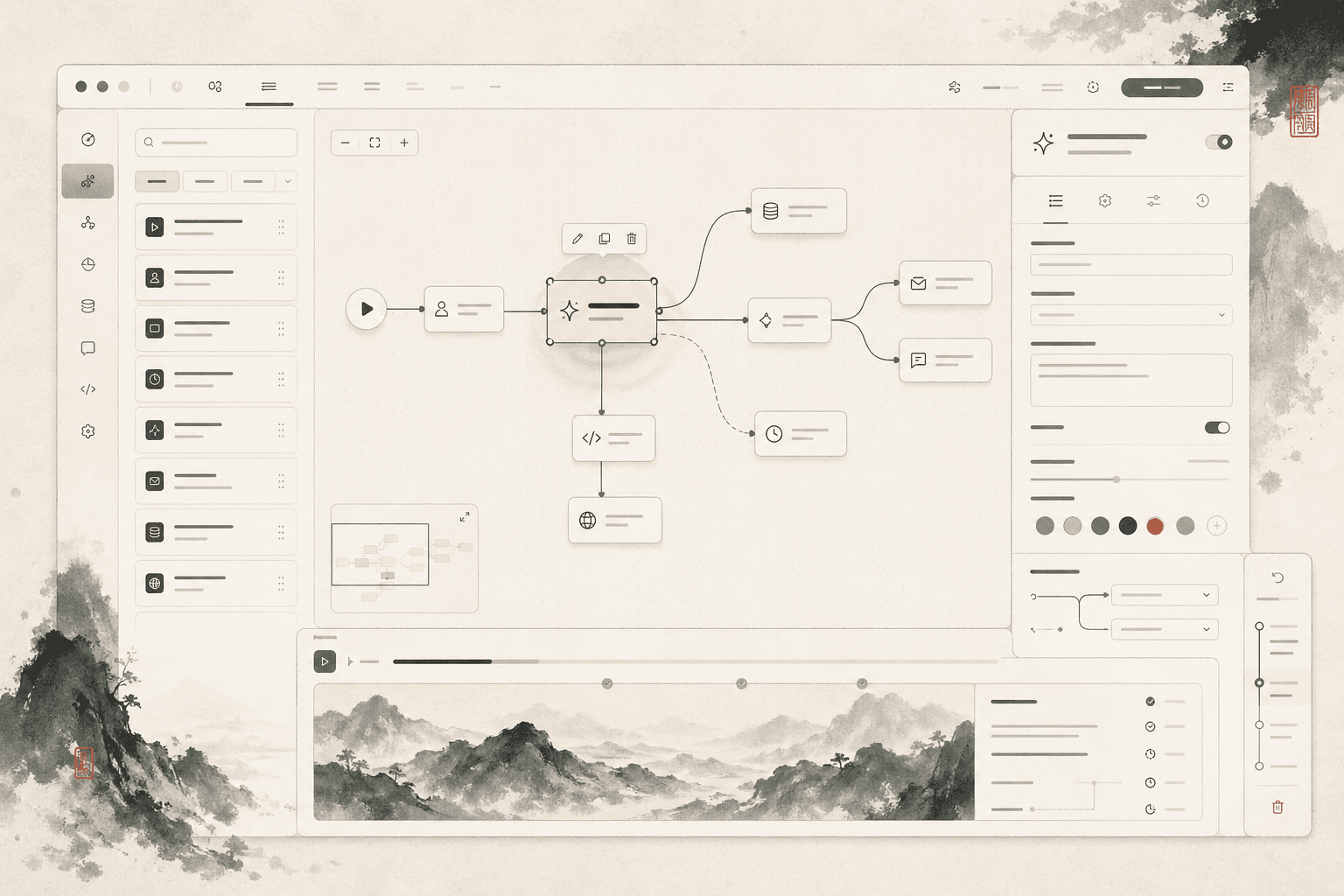
The generated flow is treated like a first draft. Nodes are visible, editable, and paired with plain-language explanations so the user can understand the system's assumptions.
Separate preview from execution
The safest interaction is a dry run. Preview mode lets users see likely outcomes, missing inputs, and risky steps before committing to the workflow.
Design for recovery
Undo, history, and rollback are not secondary features. They are trust-building mechanics that make AI-assisted automation feel less fragile.
Prototype flow
How someone would move through it.
Describe the routine
The user begins with a short description of the process they want to simplify.
Review the generated map
The system drafts a workflow map with nodes, dependencies, and flagged uncertainties.
Edit and preview
The user adjusts node labels, adds missing steps, and runs a dry preview before saving.
Interaction model
How the experience works
- Intent prompt becomes an editable flow map
- Each node exposes plain-language controls and confidence cues
- Preview mode explains expected outcomes before execution
- History and rollback keep exploration low-risk
Prototype plan
How it becomes real
- Static flow editor with node selection and inspector
- Prompt-to-flow generation using constrained task templates
- Dry-run preview with success, warning, and failure states
- Shareable case-study walkthrough with before and after flows
What to notice
Why this project matters for Wanling's profile.
- Clarifies a complex AI interaction without hiding control from the user.
- Shows product thinking around trust, reversibility, and edge cases.
- Balances visual polish with a concrete workflow model.
The next build should implement a single end-to-end intake workflow with prompt-to-flow generation and a dry-run preview.